Small cable.
Big difference.
That drawer full of identical cables? They don’t all transfer alike. See how fast your USB or Thunderbolt setup really moves data.
See how it worksComing soon for Mac · $4.99, one time.

Plug in.
Put it to the test.
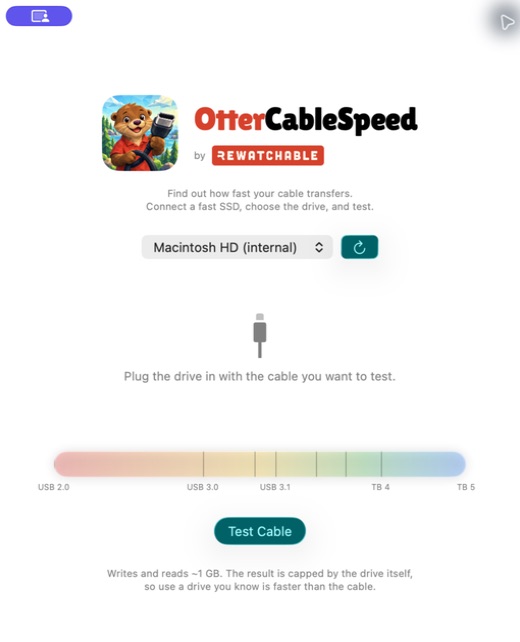
One small Mac app. A clear readout of your write and read speeds, and a meter that puts the result in perspective.
- Connect a fast drive.Use the cable you want to check with an SSD you know is fast.
- Choose it in OtterCableSpeed.Grant access to the drive when macOS asks.
- Test and compare.The app writes and reads a temporary file, then deletes it. Swap cables and run it again.
A useful little app.
Yours for $4.99.
One-time purchase. No subscription. Built for Mac.
Coming soon to the Mac App Store.
Planned U.S. price: $4.99 USD. Local prices may vary.

Your drive stays yours.
OtterCableSpeed performs its test locally. It uses a temporary file on the drive you choose and deletes that file after the test. The app has no accounts, analytics, or network communication.
Website hosting may process normal connection logs. This page adds no analytics or tracking scripts.